
Unleash the power of AI for developers by improving processes across your software delivery organization

Unleash the power of AI for developers by improving processes across your software delivery organization
Unleash the power of AI for developers by improving processes across your software delivery organization
Trusted By Enterprise Customers
Click on each card below to see how Digital.ai has enabled these companies to achieve their enterprise goals.








Trusted by Enterprise Customers


Solutions That Manage The Complexities Of Software Delivery
Transition to the Cloud
Manage a mix of traditional and cloud environments
Delivering software across complex, heterogenous environments with poor automation and insights limits your ability to release software that quickly meets customer expectations.

Deliver Secure, Quality Mobile Applications
Provide customers a high quality, secure mobile app experience
Providing mobile applications with a poor user experience and incomplete security protections limits your ability to drive revenue and protect customer data, IP and your brand.

Govern AI-Assisted Development
Get the most from AI-assisted development tools
Increasing code created and optimized via AI-assisted tools like Copilot requires a change in how your delivery teams orchestrate, measure and automate software releases.
The World’s Largest Enterprises Depend on Digital.ai to Automate Software Releases
of Fortune 100 Companies
 57Worldwide Government Entities
57Worldwide Government Entities
Explore Products Available On Our AI-Powered DevSecOps Platform
Our products help the world’s largest organizations automate software releases, improve mobile application testing and security, and provide insights across the software lifecycle.
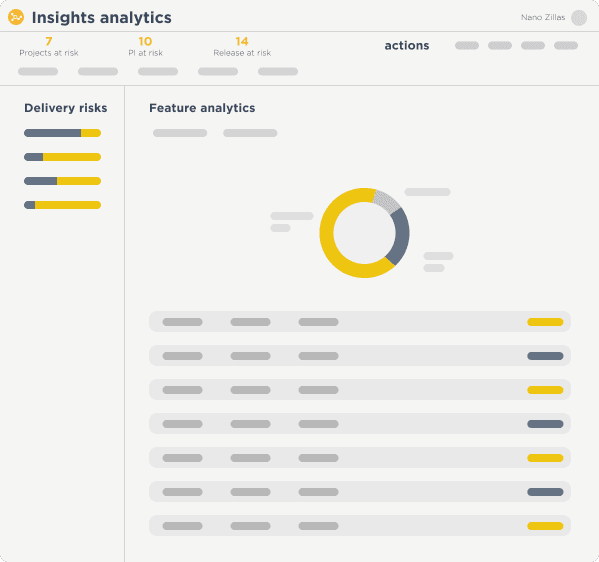
Analytics & Intelligence
Create insights and analytics that align product delivery to business strategy, streamline value streams, and increase application reliability with AI-powered intelligence.
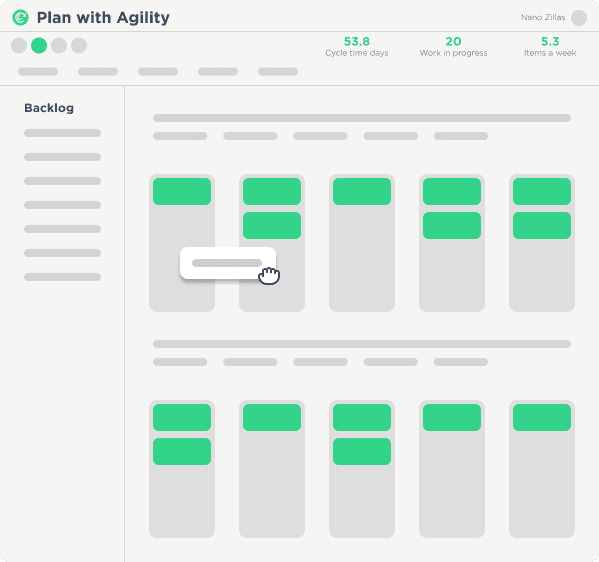
Enterprise Agile Planning
Drive efficient software development and delivery by scaling agile practices and getting insights across all levels of your organization, from teams creating applications to managing release and operations.
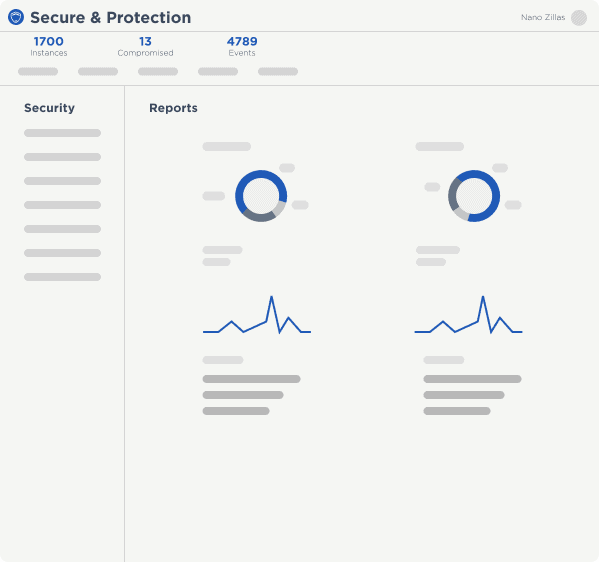
Application Protection & Security
Protect applications from attacks, provide visibility into apps that are under attack and automate your response to app security.
Continuous Testing
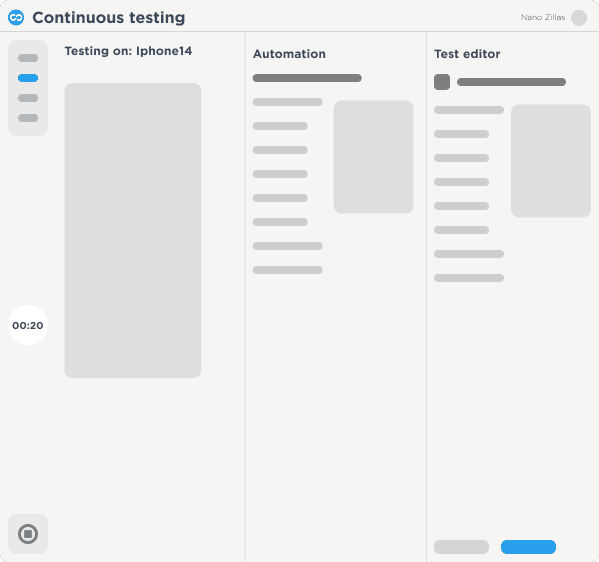
Deliver flawless customer experiences with scalable web and mobile testing, increased test coverage and visibility into your application quality.
Release Orchestration
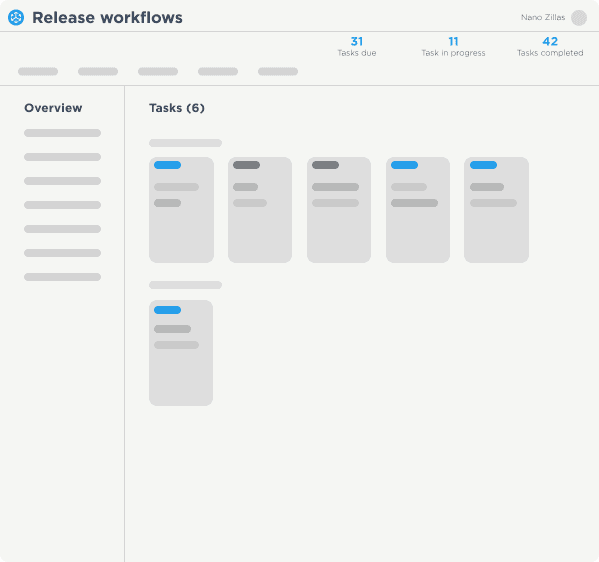
Eliminate bottlenecks & improve governance by automating and orchestrating software releases across your complex technology environments.
Deployment Automation
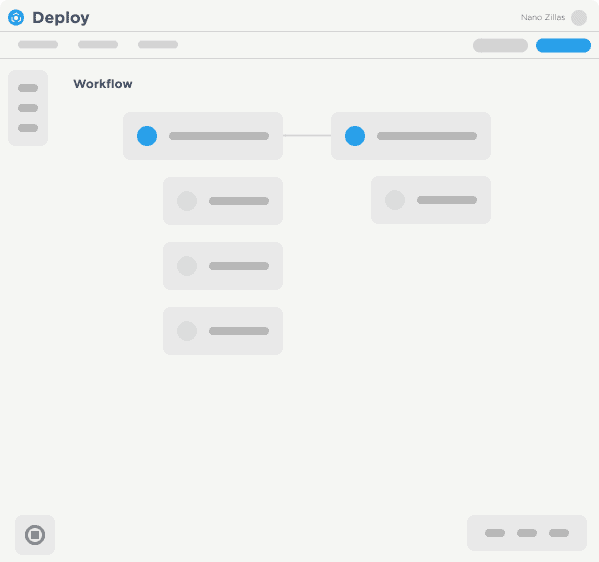
Increase the speed, reliability and scalability of application deployments to all your environments, from mainframes and VMs to containers and the cloud with a single tool.
Integrations
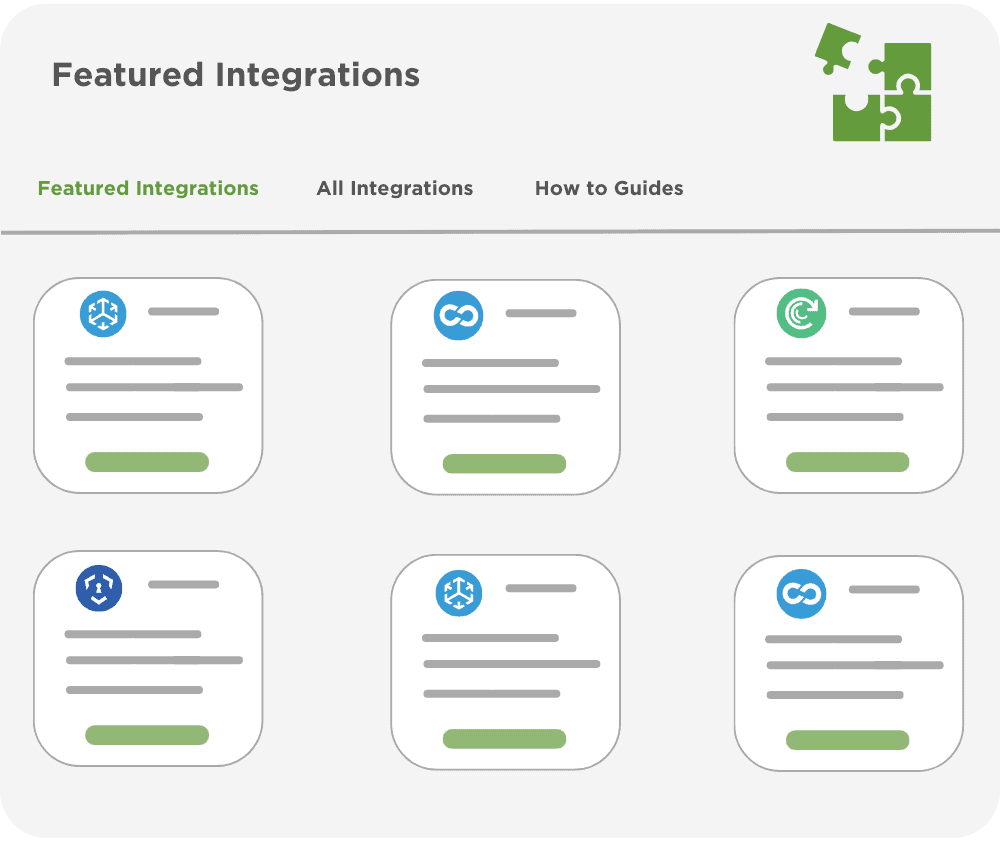
Further automate software delivery and gather intelligence from 3rd party products by integrating with existing CI/CD, agile, ITSM and observability tools.
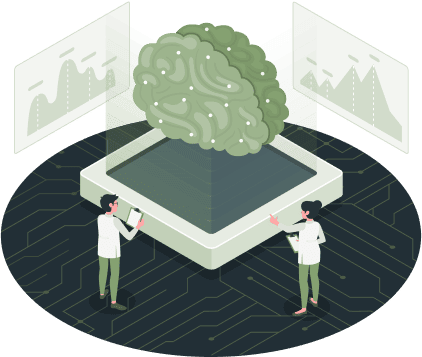
How to Make AI-generated code Secure, Private and Compliant
EXPLORE
Related Resources

See our solutions in action
Our team of experts are available to help accelerate your digital transformation